
Reprogramming a garage door opener typically involves clearing the existing codes from the motor unit and then re-pairing each remote or keypad individually. The exact process varies by brand and model, but the core steps are consistent across LiftMaster, Chamberlain, Genie, and other major manufacturers.
When Do You Need to Reprogram a Garage Door Opener?
Reprogramming is required in four common situations: a remote has been lost or stolen and the old code needs to be cleared for security reasons, a new remote or keypad is being added to an existing opener, the opener has been replaced and all remotes need to be re-paired, or the unit has been factory reset and all programming has been erased.
Moving into a new home is one of the most important situations requiring a full reprogram. Previous occupants may still have functioning remotes paired to the opener. Clearing all stored codes and re-pairing only the remotes in your possession is a basic security step that many new homeowners overlook. The Canadian Centre for Cyber Security recommends reviewing all access credentials and paired devices when moving into a new property, a principle that applies directly to garage door opener remotes. Legacy Garage Doors recommends reviewing opener security tips when setting up a garage door system in a new property.
What You Need Before You Start
Before beginning the reprogramming process, confirm the following: the opener motor unit is accessible, typically visible on the ceiling of the garage; the learn button and indicator light on the motor unit are locatable (usually on the back or side panel); the remote or keypad to be programmed is within range of the motor unit (within 10 to 15 feet); and a fresh battery is installed in the remote if it has not been used recently.
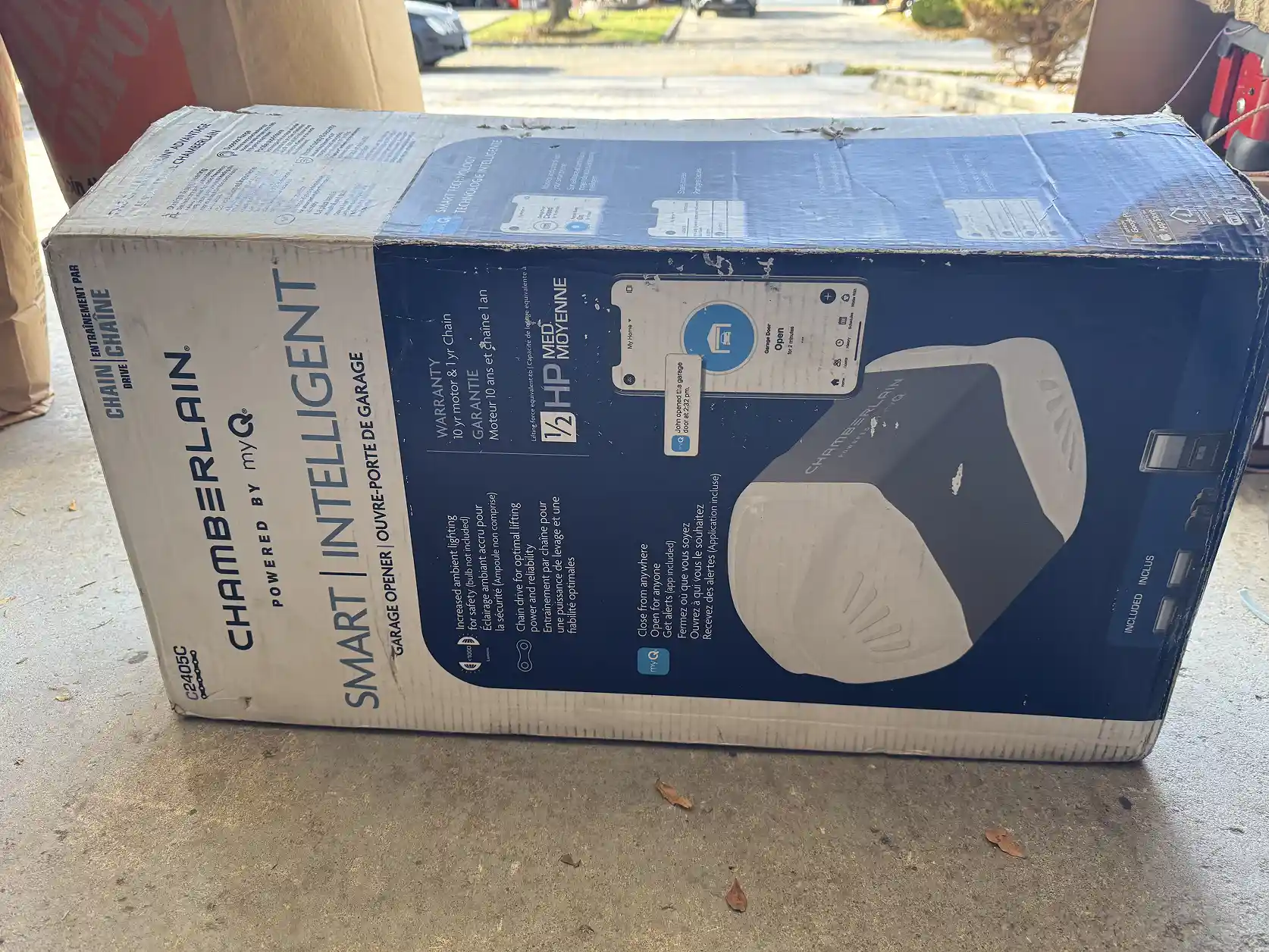
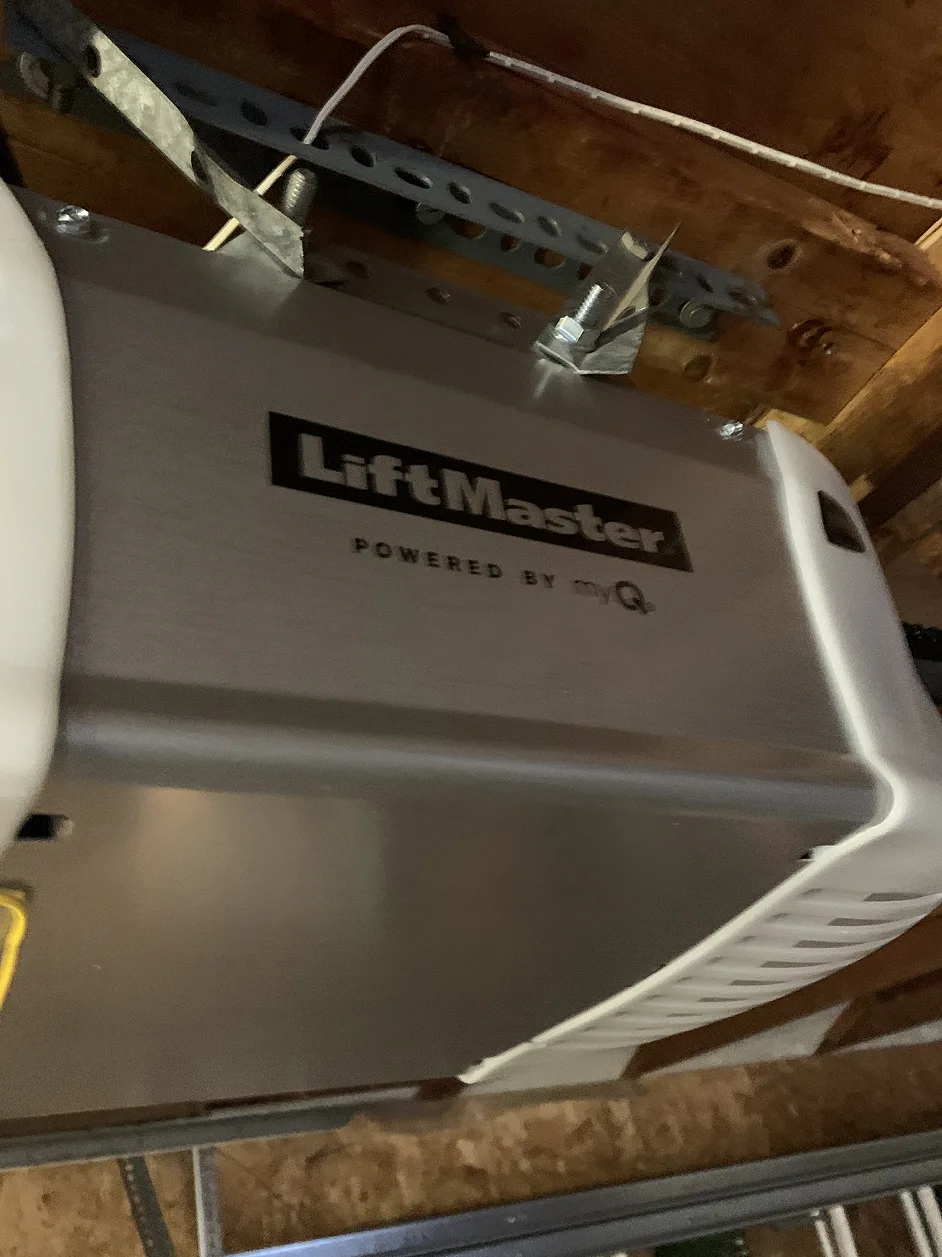
If you do not know your opener brand or model, check the label on the motor unit housing. The model number is required for brand-specific steps that differ between manufacturers. A brand comparison covering LiftMaster, Chamberlain, and Wayne Dalton is available for homeowners identifying their opener type.
How to Reprogram a LiftMaster or Chamberlain Garage Door Opener
LiftMaster and Chamberlain openers share the same programming platform and use identical procedures. These two brands account for the majority of openers installed in GTA residential properties.
Step One: Clear All Existing Codes
Locate the learn button on the motor unit. It is typically a small square button coloured yellow, purple, red, or orange depending on the generation of the unit. Press and hold the learn button for approximately six seconds until the indicator light turns off. This erases all previously paired remotes and keypads.
Step Two: Enter Programming Mode
Press the learn button once and release it. The indicator light will turn on and remain lit for approximately 30 seconds. This is the programming window during which the unit will accept a new remote or keypad pairing.
Step Three: Pair the Remote
Within the 30-second window, press and hold the button on the remote you want to pair. Hold it until the motor unit’s indicator light flashes or the unit clicks twice, which confirms the pairing was successful. Test the remote from outside the programming distance to confirm full operation.
Step Four: Pair Additional Remotes or Keypads
Repeat Steps Two and Three for each additional remote or keypad. Each device requires its own programming cycle. Keypads require entering the desired PIN and then pressing the Enter or pound key during the programming window rather than pressing a remote button.
For detailed model-specific instructions, LiftMaster’s official programming guide and Chamberlain’s programming resource provide step-by-step diagrams for each unit generation. These are the authoritative sources for model-specific variations.
How to Reprogram a Genie Garage Door Opener
Genie openers use a different programming sequence from LiftMaster and Chamberlain. The learn button on Genie units is typically labelled “Learn Code” or “Program” and may be located inside the light cover panel rather than on the exterior of the motor housing.
- Step One: Press and hold the Learn Code button for approximately ten seconds to erase all stored codes, then release.
- Step Two: Press the Learn Code button once and release. The indicator light will flash to confirm programming mode is active.
- Step Three: Press and hold the remote button until the opener light flashes twice or the unit emits two clicks.
- Step Four: Test the remote and repeat for each additional device.
How to Reprogram a Keypad for a Garage Door Opener
Keypads are programmed separately from handheld remotes and require entering a PIN during the programming sequence. After pressing the learn button on the motor unit, enter the desired four-digit PIN on the keypad and press the Enter or pound key within the 30-second window. A successful pairing is confirmed by a light flash or double click from the motor unit. Legacy Garage Doors installs and programs keypads for GTA properties through the keypad installation service.
What to Do If Reprogramming Does Not Work
If the remote or keypad does not pair successfully after following the correct steps, four issues are worth checking before calling for service.
- Battery: replace the remote battery even if the unit appears to have power. Weak batteries often prevent pairing even when they are sufficient for basic operation.
- Distance: reprogram from within five feet of the motor unit. Radio interference at greater distances can prevent a successful handshake.
- Frequency compatibility: very old remotes using fixed-code 318 MHz or 390 MHz frequencies may not be compatible with newer rolling-code openers. In this case the remote needs to be replaced. The U.S. Consumer Product Safety Commission (CPSC) notes that outdated fixed-code garage door systems present security vulnerabilities that modern rolling-code openers are specifically designed to address.
If the motor unit itself is not responding to the learn button or is producing error lights, the issue may be with the logic board rather than the remote. Legacy Garage Doors diagnoses opener faults across the GTA through the opener replacement service, which covers both repair and full unit replacement where the logic board has failed.
Should You Reprogram or Replace Your Garage Door Opener?
Reprogramming resolves issues caused by lost remotes, new occupants, or a factory reset. It does not fix mechanical failures, logic board faults, motor wear, or units that have exceeded their service life. If the opener is producing grinding sounds, failing to complete full door cycles, or experiencing intermittent operation that is not remote-related, reprogramming will not resolve the underlying problem. The Canadian Standards Association (CSA) recommends that overhead door openers showing signs of mechanical failure be assessed by a certified technician rather than operated until complete failure occurs. The opener replacement service covers assessment and replacement for openers that have reached end of service life.
Need Help Reprogramming or Replacing Your Opener?
Legacy Garage Doors provides opener programming, troubleshooting, and full replacement services across Toronto and the GTA. If reprogramming has not resolved your issue or the opener requires professional diagnosis, contact Legacy Garage Doors and a technician will respond within one business day to arrange a service visit.
Frequently Asked Questions
1. How do you reprogram a garage door opener after changing the battery?
Changing the remote battery does not erase the pairing on most modern rolling-code openers. The remote should reconnect to the motor unit automatically after the new battery is installed. If the remote stops working after a battery change, press the learn button on the motor unit once and then press the remote button to re-establish the pairing without a full reprogram. The security tips resource covers battery-related remote issues in more detail.
2. How do you reset a garage door opener to factory settings?
A factory reset erases all paired remotes, keypads, and any saved settings on smart-enabled units. On LiftMaster and Chamberlain openers, this is done by holding the learn button for six seconds until the indicator light extinguishes. All devices must be re-paired from scratch after a factory reset. For smart openers connected to the myQ app, the unit also needs to be removed and re-added in the app. Legacy Garage Doors’ smart garage door service includes app setup support for myQ-connected units.
3. Can I program a universal remote to my garage door opener?
Universal remotes are compatible with most major opener brands including LiftMaster, Chamberlain, Genie, Craftsman, and Wayne Dalton. Programming a universal remote follows the same learn button process as a brand-specific remote but may require consulting the universal remote’s instruction sheet for the correct code or pairing sequence. Homeowners comparing opener brands can confirm compatibility of universal remotes with specific models.
4. How many remotes can be paired to one garage door opener?
Most residential garage door openers support between 40 and 100 paired devices, depending on the model. The memory limit is rarely reached in a standard household. If the opener has reached its limit, older unused devices must be cleared before new ones can be added. Clearing all codes and reprogramming only active devices resolves this. Contact Legacy Garage Doors if the opener memory cannot be cleared through the standard process.
5. Why does my garage door opener remote work sometimes but not always?
Intermittent remote operation is caused by four common issues: a weak or dying battery, radio frequency interference from nearby devices, the remote being outside the antenna range, or a failing logic board in the motor unit. Replacing the battery and testing from closer range resolves most intermittent issues. Persistent problems that are not battery or range related may indicate a logic board fault that requires professional diagnosis through the opener services team.
Key Takeaways
- Reprogramming a garage door opener involves clearing all stored codes from the motor unit and re-pairing each remote or keypad individually.
- The most important time to reprogram is when moving into a new home, as previous occupants may have active remotes.
- LiftMaster and Chamberlain use the same programming procedure via the learn button on the motor unit.
- Genie openers use a different sequence with a Learn Code button that may be located inside the light cover panel.
- If reprogramming does not work, check the remote battery first, then test from within five feet of the motor unit.
- Reprogramming resolves remote and access issues but does not fix mechanical failures, motor wear, or logic board faults.