
Garage door setup covers programming every access device, including remotes, keypads, and smart apps, to the opener’s receiver, then aligning the safety sensors and confirming the travel limits are set correctly for reliable, secure operation.
What Does Garage Door Setup Involve?
Garage door setup involves pairing every access method, including remotes, keypads, wall controls, and smart apps, to the opener’s receiver, then confirming the safety sensors are aligned and the travel limits are set correctly. Each access device communicates with the opener independently, so adding or replacing one does not affect the others once everything is paired correctly.
Most residential garage doors ship with the opener’s remote already paired from the factory. Legacy Garage Doors handles full setup and pairing for new installations across Toronto and the GTA, which means setup usually starts with adding a second remote, a keypad, or a smartphone connection rather than starting from scratch.
How Do You Program a Garage Door Remote?
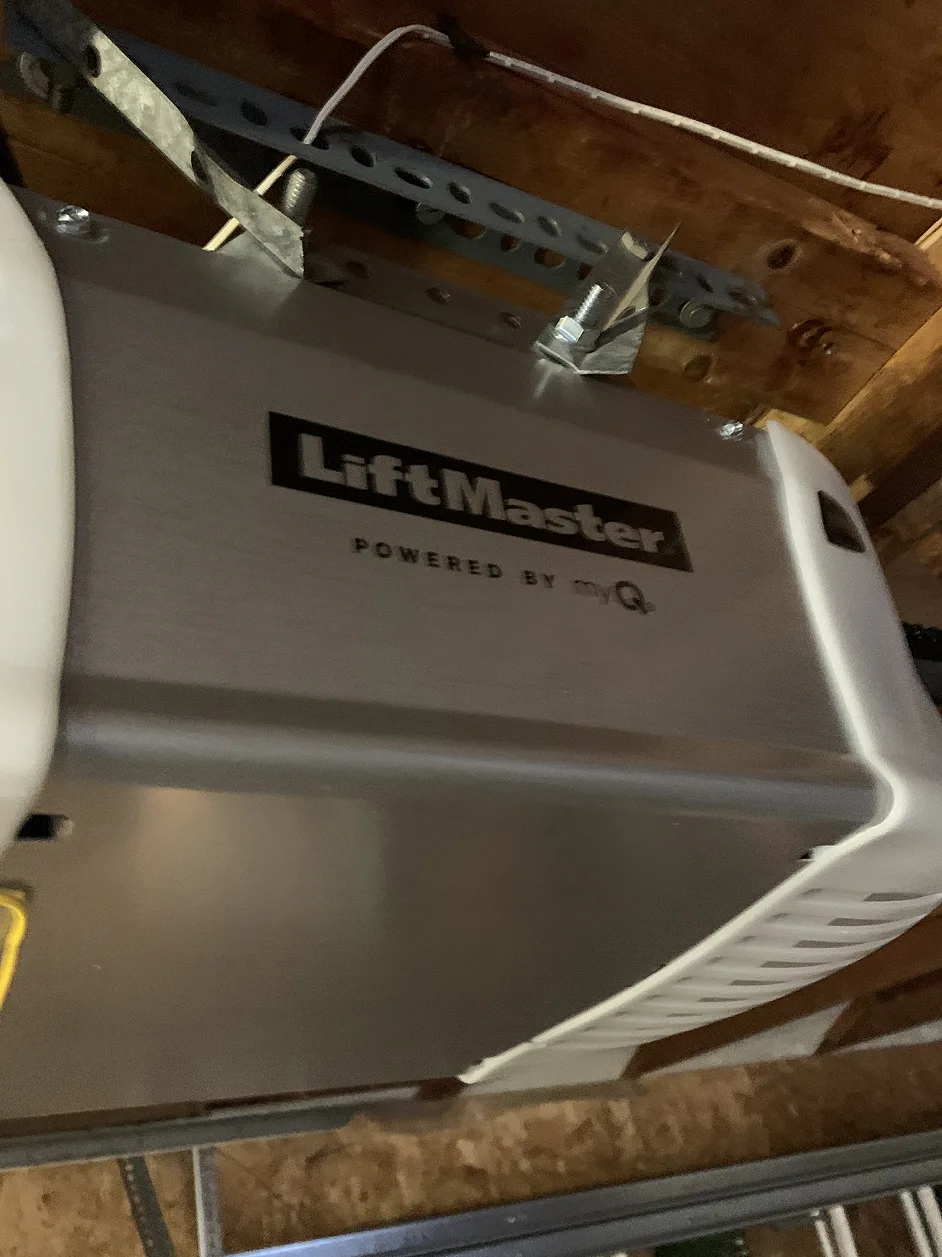
Programming a garage door remote starts with locating the Learn button on the opener motor unit, usually found under the light lens near the back of the unit. Pressing and releasing this button puts the opener into pairing mode for about 30 seconds, during which a press of the remote’s button completes the pairing.
Most modern openers from major brands use rolling code technology, which generates a new encrypted signal every time the remote is pressed to prevent signal copying. Older openers built before the early 1990s use physical DIP switches instead of a Learn button, and these systems are generally due for an upgrade since they also lack modern auto-reverse safety features.
How Do You Program a Wireless Keypad?
Programming a wireless keypad follows the same Learn button process as a remote, except the homeowner enters a chosen PIN code on the keypad instead of pressing a remote button. The opener stores this PIN and will respond to it exactly like a paired remote once programming is confirmed.
A keypad is useful for anyone who needs garage access without carrying a physical remote, including kids walking home from school, a dog walker, or a cleaning service. Changing the PIN periodically, especially after a service visit or a change in who has access, keeps the code from being shared longer than intended.
Commercial garage doors on a shop or warehouse often use several keypads at once for different staff members, which makes documenting who has which code worth doing from the very first setup.
How Do You Align Garage Door Safety Sensors?
Garage door safety sensors sit a few inches off the ground on each side of the track and use an invisible infrared beam to detect obstructions while the door closes. Both sensors need a clear line of sight to each other, and most units show a steady light when properly aligned and a blinking light when the beam is broken or misaligned.
A door that reverses immediately after starting to close, or will not close at all, often points to a sensor that has been bumped out of alignment or a lens that has collected dust. Cleaning both lenses and gently adjusting the bracket until the indicator light turns steady usually resolves the problem without any tools.
How Do You Connect a Smart Garage Door Opener to Wi-Fi?
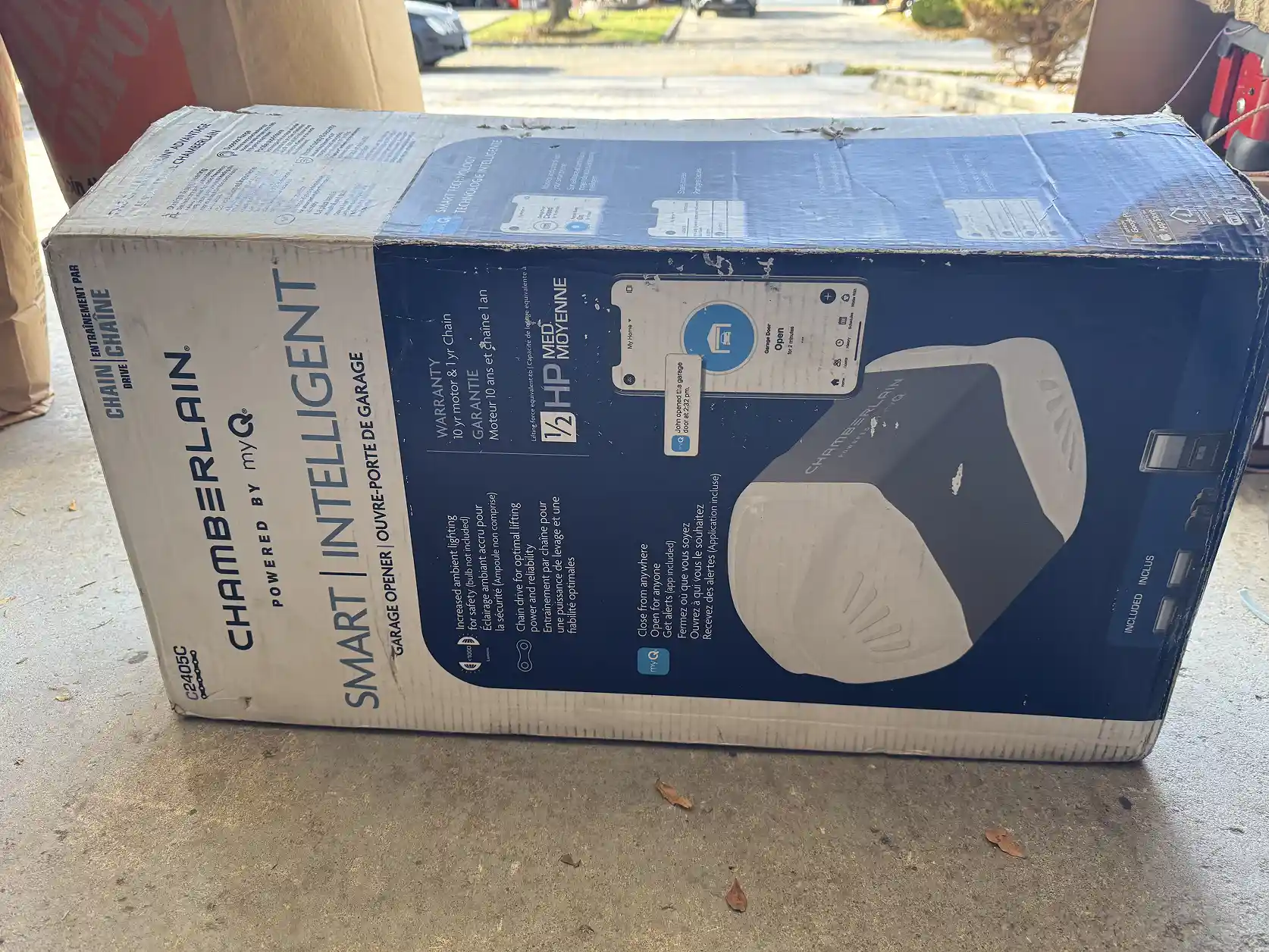
Connecting a smart garage opener to Wi-Fi typically means downloading the manufacturer’s app, creating an account, and following the in-app prompts to put the opener into pairing mode using the Learn button. Once connected to the home network, the app allows remote monitoring, open and close commands from a smartphone, and activity alerts.
Openers without built-in Wi-Fi can often be upgraded with a small add-on hub that plugs into a nearby outlet and pairs with the existing opener through the same Learn button process, which brings smart features to an otherwise standard opener without a full replacement.
Oakville homeowners adding a smart opener to an older garage door should confirm the door’s weight and spring balance first, since a mismatched opener can strain the motor even when every remote and keypad pairs correctly.
What Should You Do If Your Opener Won’t Program?
An opener that won’t program usually comes down to one of a few common causes.
Step One: Confirm the remote or keypad’s frequency matches the opener, since a mismatch between older and newer models prevents pairing entirely.
Step Two: Check that the opener’s memory is not full, since most units store only 8 to 12 devices before requiring older entries to be cleared.
Step Three: Verify the wall control’s lock feature is disabled, since an active lock blocks all remote and keypad programming until it is turned off.
Step Four: Contact our technicians if pairing still fails after these checks, since a failing receiver or an incompatible opener model may be the underlying issue.
Mississauga properties upgrading several garage doors at once often benefit from pairing every opener to the same smart app account, which keeps access management in one place instead of several separate systems.
Garage Door Access Methods Compared
|
Access Method |
How It Connects |
Best For |
|
Remote |
Radio frequency paired through the opener’s Learn button |
Everyday use from a vehicle |
|
Wireless Keypad |
PIN code paired through the same Learn button process |
Guests, kids, and service providers without a remote |
|
Smart App (Wi-Fi) |
Home Wi-Fi network paired through the manufacturer’s app |
Remote monitoring and smartphone control |
Getting Every Access Method Working Together
A properly set up garage door lets every household member and authorized visitor get in reliably, whether through a remote, a keypad code, or a smartphone app. Taking the time to align the sensors and confirm each device pairs correctly prevents the false alarms and stuck doors that come from a rushed setup.
Homeowners planning a full door replacement alongside a new opener should complete the door installation first, since spring tension and balance need to be corrected before any access devices are paired.
The Legacy Garage Doors team can also confirm compatibility between an existing door and a new smart opener through a commercial maintenance or residential service visit before a homeowner purchases one, which avoids a mismatch discovered only after installation.
Frequently Asked Questions
1. How do you program a garage door remote?
Programming a garage door remote involves pressing the Learn button on the opener motor unit, then pressing the remote’s button within about 30 seconds while the opener is in pairing mode. A blinking light on the motor unit confirms the remote has been successfully paired.
2. Why won’t my garage door remote program to the opener?
A garage door remote usually fails to program because the frequency does not match the opener, the opener’s memory is full, or the wall control’s lock feature is active and blocking new pairings. Checking these three items resolves most programming failures without needing a technician.
3. How do you set a keypad code for a garage door?
Setting a keypad code follows the same Learn button process used for a remote, except the chosen PIN is entered directly on the keypad instead of pressing a remote button. The opener stores the PIN once the pairing sequence completes successfully.
4. Why does my garage door reverse before closing?
A garage door that reverses before closing is usually caused by misaligned or dirty safety sensors, which stop the door as a precaution when they cannot confirm a clear path. Cleaning the sensor lenses and adjusting alignment until the indicator light turns steady typically fixes this.
5. Can I connect an older garage door opener to Wi-Fi?
Many older garage door openers without built-in Wi-Fi can be upgraded using a manufacturer’s add-on smart hub, which plugs into a nearby outlet and pairs with the existing opener through the Learn button. This adds smartphone control without replacing the entire opener.
6. How many remotes and keypads can one opener support?
Most residential garage door openers can store between 8 and 12 paired devices, including remotes, keypads, and vehicle integration systems. Once that limit is reached, older or unused devices need to be cleared before a new one can be added.
Need Help Finishing Your Garage Door Setup?
If a remote, keypad, or smart opener will not pair no matter what you try, our service team can diagnose and complete the setup. Contact us today to schedule a visit anywhere in Toronto or the GTA.
Key Takeaways
- Garage door setup covers pairing remotes, keypads, and smart apps to the opener, plus aligning the safety sensors.
- Programming a remote or keypad uses the same Learn button process, with the keypad requiring a PIN instead of a button press.
- Misaligned or dirty safety sensors are the most common reason a door reverses before fully closing.
- Smart openers connect through a manufacturer app, and older openers can often add smart features with an add-on hub.
- Most openers store 8 to 12 paired devices before older entries need to be cleared to add new ones.
- A failed pairing attempt is usually caused by a frequency mismatch, a full memory, or an active wall control lock.